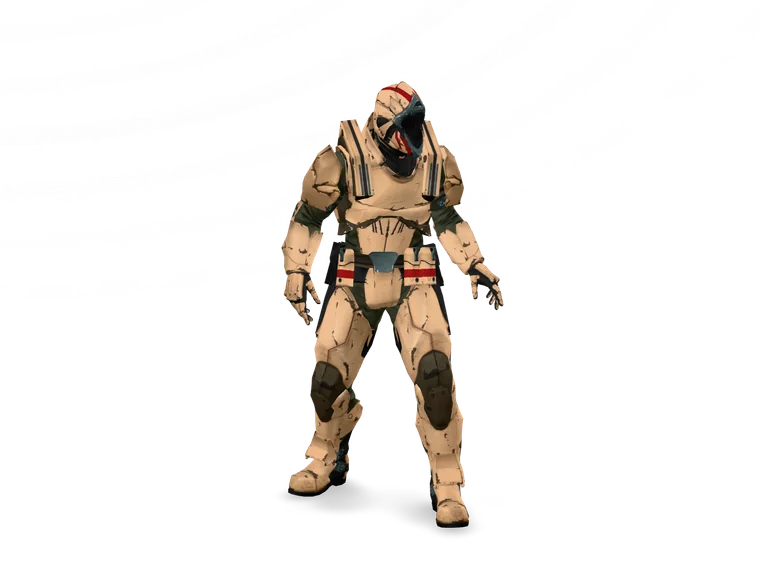
three.ws is one platform for making a 3D character that has a face, a
brain, and a voice — and putting it to work on your website, your
stream, your community, or your desktop.
Loading the sample avatarSample avatar · drag to orbitSample avatar · still image, 3D preview unavailable
In one sentence
three.ws lets anyone turn a selfie or a description into a
3D AI agent — a character you can talk to, animate, and
embed on any website with two lines of code.
No 3D modelling, no game engine, and no crypto required to start.
One platform, not seven tools
The avatar creator, the animation, the AI chat, the embed widget, and the worlds
are all building blocks for the same agent. Make it once — use it everywhere.
No. Creating an avatar, giving it an AI brain, embedding it, and
chatting with it are all free and crypto-free. Owning your agent
on-chain or charging per chat are optional layers you can turn on
later if you ever want them.
Yes. You can build a 3D agent from a selfie or a text prompt, give it
a brain, and embed it without paying anything. You only pay if you
opt into premium generation or run paid services.
No. The avatar comes from a photo, a sculpt tool, or a text
description, with no Blender and no game engine. Embedding is a
copy-paste snippet. Developers who want deeper control get an
SDK and API, but neither is
required.
Any website, via the
embed widget; on a live
stream, via the OBS overlay; in a 3D world on three.ws; or anywhere
that accepts a standard glTF 2.0 GLB, since that is the format your
avatar exports to.
Make one in a few minutes
Bring a selfie or just an idea. Building your first agent is free — no
account needed to try.